Executive Overview
Arbitration Presentation
Support for a clear case.
Command the hearing with dedicated Hot Seat operators who seamlessly display evidence, manage virtual rooms, and keep the arbitrator engaged.
 Nationwide Support
 One Point of Contact
 24/7 Support Available
 Nationwide Support
 One Point of Contact
 24/7 Support Available
Build a Presentation Around Your Case

Organize the Materials
Coordinate exhibit preparation and identify the documents and video your team expects to present.

Graphics that Explain
Use timelines, relationship charts and exhibit callouts to make complex facts easier to follow.
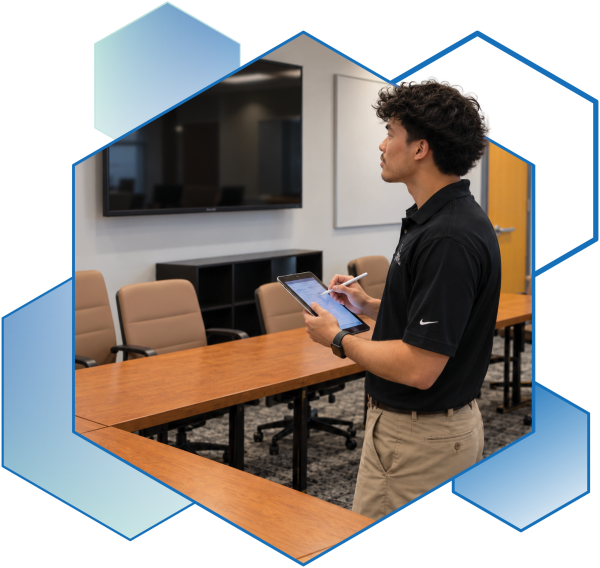
Hearing Technology
Map who will be in the room and who will join remotely before confirming equipment and workflows.
Prepare the Evidence.
Explain the Story.
Keep your evidence accessible and your presentation focused. TrialSupport helps legal teams prepare exhibits, graphics and hearing technology for arbitration.
The Hearing Setup

In-Person Hearing
Identify the room, displays, technician position and how exhibits will be shown to the participants.

Remote Participants
Discuss platform requirements, remote witness support and how documents will be shared.

Mixed Participation
Map who will be in the room and who will join remotely before confirming equipment and workflows.
Give Your Arbitration Team a Clear Starting Point
Start with a conversation about your hearing, or a shared online PowerPoint opening deck that your team and our designers can build together.
How We Get Started
- 1.Share the hearing dates, locations and format.
- 2.Review exhibits, graphics and technology needs.
- 3.Coordinate the presentation plan with your team.
A Practical Next Step

1.Confirm dates, venue and participant locations

2.Review the exhibit and video presentation workflow

3.Define the equipment and the technician